AI Models
Pick the model that fits the shot. Your workflow never changes.
Start with a video title, prompt, or reference. Lunzo develops the creative direction and turns it into platform-ready visuals.
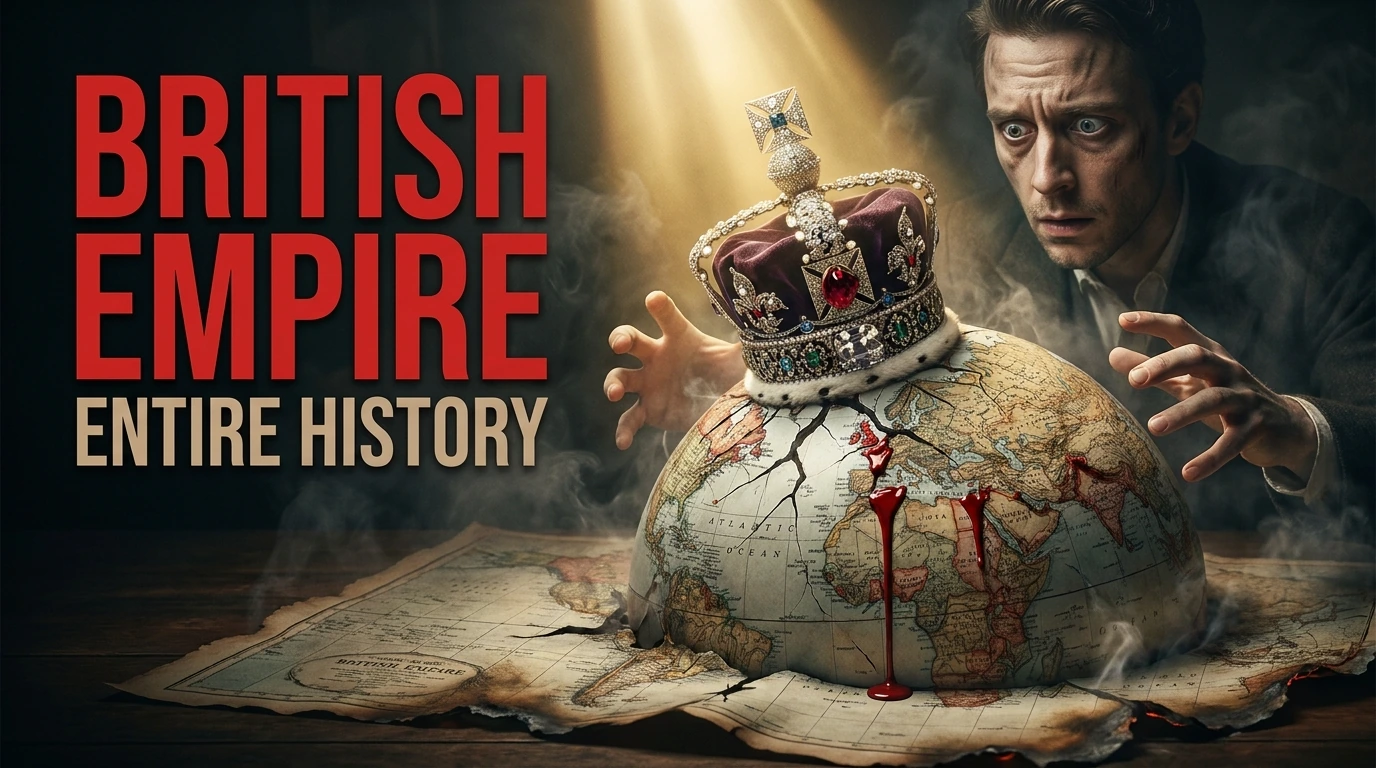
Use one capability or combine them however you want. Lunzo adapts to the way you create.
Recent
What do you want to create?
Give a title or a rough idea — Lunzo builds the creative direction.
Type a video title, or / for modes
From a simple title to a complete, platform-ready creative direction.
Lunzo combines creative thinking, platform context, brand consistency, useful feedback, and precise control—without forcing a fixed workflow.
Your prompt
Creative direction
Lunzo builds the creative direction — hook, mood, composition — before generating a single visual.
Your face, palette and fonts carry into every thumbnail, post and story you make.
Instagram carousels are planned as one story — hook, pacing and a visual thread across every slide.
Every visual is scored on clarity, contrast and thumb-stop power, with the weak spot named.
Open any result in the editor — layers, typography and adjustments, without starting over.
YouTube thumbnails, Instagram posts, stories and covers, each built for its own format.
YouTube thumbnails, Instagram posts and story covers, all generated in Lunzo.
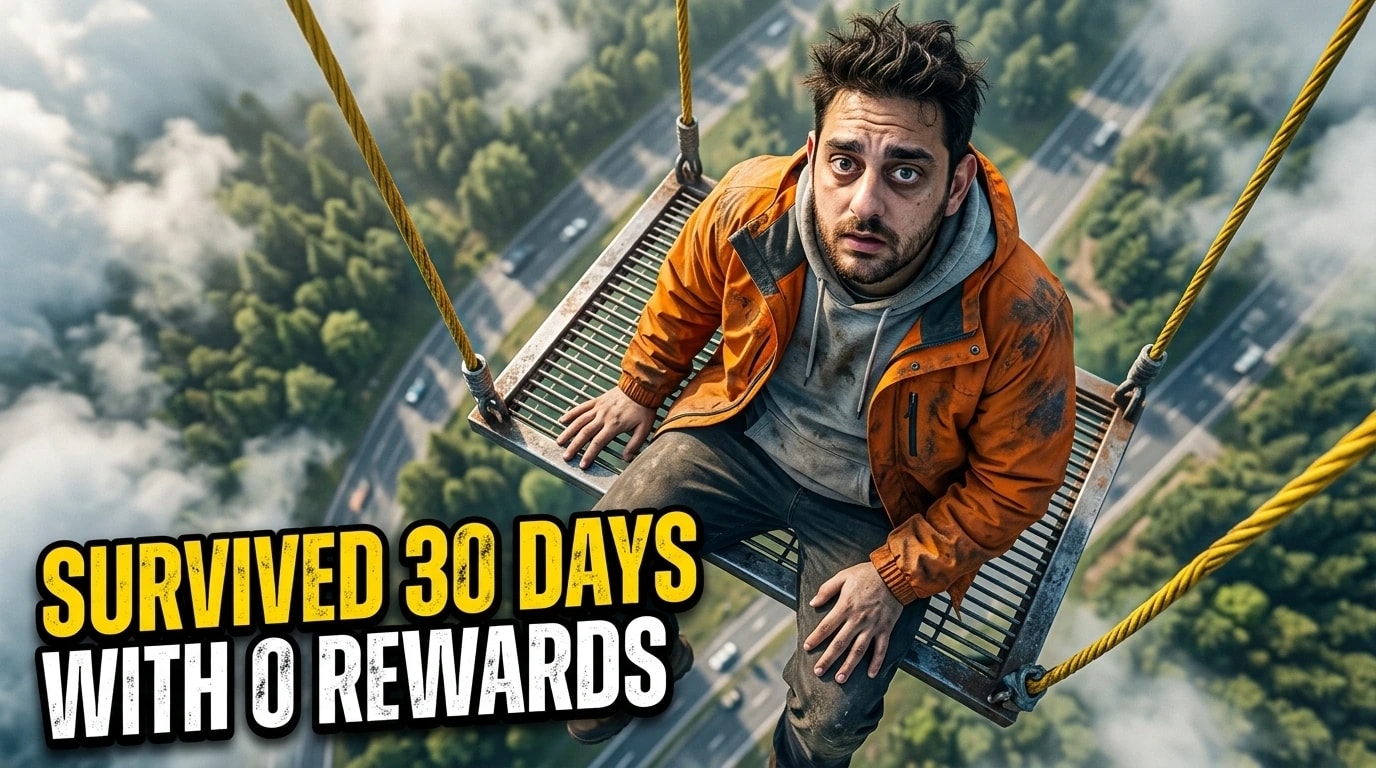 YouTube · 16:9
Each tool solves one precise creative job. Use the one you need without rebuilding the work around it.
Pick the model that fits the shot. Your workflow never changes.
Relight and restyle an image while the idea underneath stays intact.
Place your own subjects on the canvas and let Lunzo build the scene around them.
Rewrite a headline in place, without regenerating the visual around it.
Weekly uploads
Keep the idea, the generation and the final edits in one place, instead of moving between three tools for every visual.
Weekly uploads
Keep the idea, the generation and the final edits in one place, instead of moving between three tools for every visual.
A recognisable on-camera look
Reuse a saved face model so the same person appears consistently across a whole channel, without rebuilding the setup each time.
One concept, every platform
Take a single idea into YouTube, Instagram and TikTok formats without starting the design over for each one.
Weekly uploads
Keep the idea, the generation and the final edits in one place, instead of moving between three tools for every visual.
A recognisable on-camera look
Reuse a saved face model so the same person appears consistently across a whole channel, without rebuilding the setup each time.
One concept, every platform
Take a single idea into YouTube, Instagram and TikTok formats without starting the design over for each one.
The last mile
Open any result in the editor and adjust text, layout and detail before exporting — generating is not the final step.
Client and brand work
Load a Brand Kit so logo, palette and type carry into every visual, instead of drifting toward a generic AI look.
When the first result is close
Refine from a near miss rather than going back to an empty prompt, so an almost-right image becomes the finished one.
The last mile
Open any result in the editor and adjust text, layout and detail before exporting — generating is not the final step.
Client and brand work
Load a Brand Kit so logo, palette and type carry into every visual, instead of drifting toward a generic AI look.
When the first result is close
Refine from a near miss rather than going back to an empty prompt, so an almost-right image becomes the finished one.
Explore generation, Carousel, Brand Kit, Apex, editing, plans, and credits.
Tell us what you're trying to create and our team will point you in the right direction.
Email us